Steal the Bobo Controls
PC and mobile control reference for buying, stealing, locking, and trading in Steal the Bobo.
Clear controls keep you from losing contested Bobos by a second. Steal the Bobo uses standard Roblox movement with experience-specific prompts for buying path Bobos, grabbing from bases, locking plots, and opening trades.
PC defaults
- WASD or arrow keys — move along the path and between plots
- Space — jump obstacles or plot edges when needed
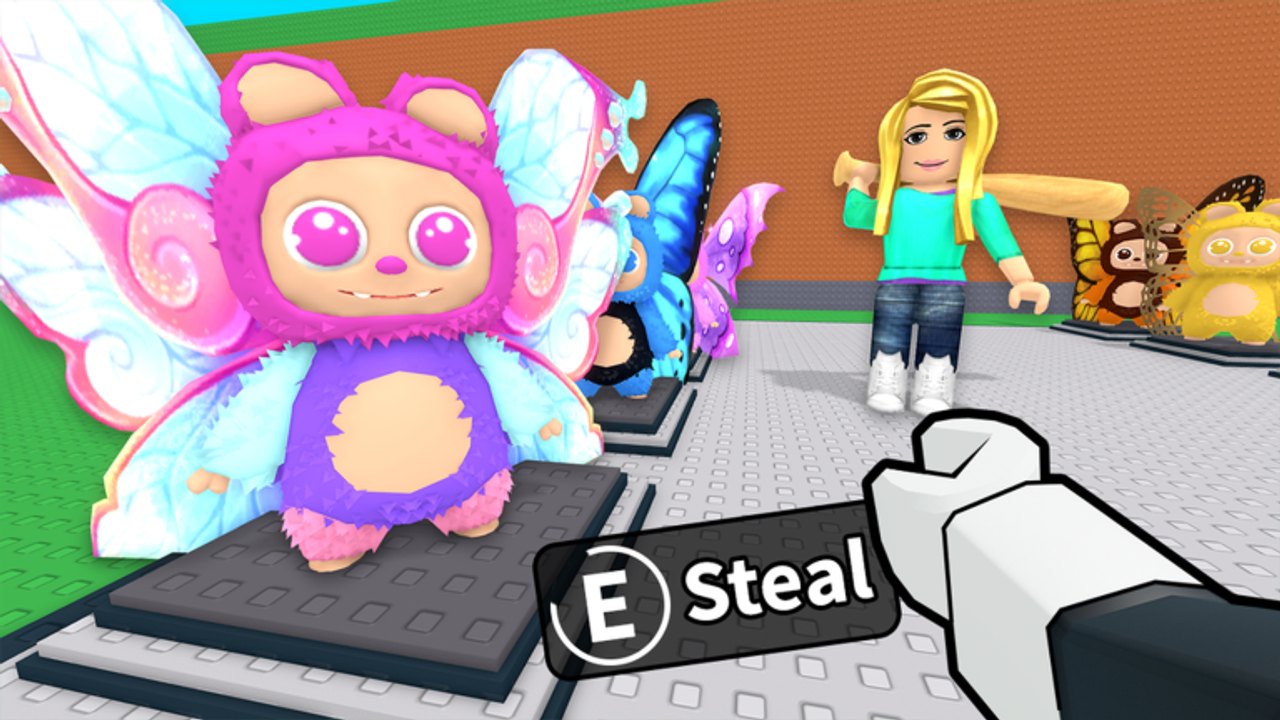
- Mouse click / E (or on-screen prompt) — buy a path Bobo or interact with a target
- Camera drag / right mouse — track spawns early for snipes
- Menu buttons — upgrades, Index, trade, and lock toggles as labeled in UI
Because Roblox experiences can remap prompts, treat on-screen labels as authority if they differ slightly after an update. Check Updates after patches.
Mobile defaults
- Virtual joystick — movement
- Jump button — vertical clears
- Tap prompts — buy / steal / place / lock
- Pinch or drag — camera for early path vision
Mobile players should pin the lock control mentally; touch UIs sometimes tuck it beside upgrade panels. Practice the lock twice during Getting Started so muscle memory exists before your first AFK.
Critical interactions
Buy on path: Face the walking Bobo, wait for the purchase prompt, confirm if cash is sufficient. Hesitation loses snipes — see How to Steal.
Steal from base: Approach an unlocked plot Bobo, trigger the grab prompt, then sprint home.
Place: Stand in a free slot and confirm placement so income starts.
Lock: Toggle at the plot edge or base UI until the secured state shows.
Trade: Use the official trade prompt near another player; never rely on dropping items in the open.
Accessibility tips
Increase graphics clarity if Bobos blend into the path. Lower sensitivity if overshooting buy prompts. On low-end devices, reduce quality so prompts remain responsive during crowded snipes.
Common control mistakes
- Looking at chat while a rare walks by
- Opening upgrade menus while unlocked in a hot server
- Forgetting which button locks versus which opens Index
- Accidental jumps that delay a buy by a second
Practice course
In a quiet minute, walk path → buy a cheap Bobo → place → lock → unlock → lock again. Then open Index and upgrades without leaving the plot unlocked longer than necessary. Pair with How to Protect Your Base.
Controls mastery is invisible when done right and painful when done wrong. Learn the prompts once, then let strategy pages like Upgrades and Best Bobos take over your attention.
Latency and clutter
High ping turns fair contests into coin flips — change servers before blaming prompts. Close background downloads. On mobile, disable battery modes that throttle touch sampling. Hide visual clutter when Roblox settings allow so buy prompts stay readable in crowds.
Duo callouts
One friend spots with a high camera while the other holds cash and buys. Callouts beat three avatars colliding on the same common. Controls plus roles turn Steal the Bobo into a tiny team sport.
Practice drill
Spend five minutes only on lock and buy prompts with no raids. Then add one intentional steal. Muscle memory for Steal the Bobo inputs beats watching long videos of the wrong lol games title.
Frequently Asked Questions
Quick answers to the most common Steal the Bobo questions.
What key buys a Bobo on PC?
Use the on-screen purchase prompt (often click or E). Follow the live UI label after updates.
Where is the lock on mobile?
Usually on the plot or base menu. Find it in your first session and practice toggling twice.
Can I rebind controls?
Roblox client settings may allow some remaps; experience prompts still govern buy and steal actions.
Why did my buy fail?
Insufficient cash, late prompt, or another player completed the purchase first.